Free App for Mac
Lazy Teleprompter
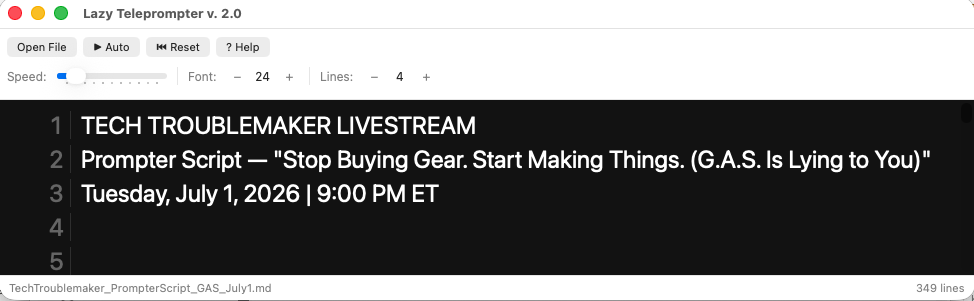
Read your script hands-free while recording. Load a file, set your speed, and scroll — anywhere on your screen, above anything you're running.
Why Lazy Teleprompter
Floats above everything
Drag it anywhere on screen and it stays on top of Ecamm Live, OBS, or whatever you're recording with — no dedicated hardware prompter required.
Reads what you already wrote
Opens .txt, .docx, .pdf, .html, and .md files directly. Formatting is stripped automatically so only your words show up on screen.
Built for how you actually record
Adjustable scroll speed, font size (10–72pt), and visible line count (4–20), plus manual scroll while paused to jump back to a section mid-take.
Privacy-first, one trick pony
No internet connection required. No data collected. It does one thing — scroll your script — and does it well.
Supported File Types
.txt
.docx
.pdf
.html / .htm
.md / .markdown
Privacy-friendly by design: Lazy Teleprompter never needs an internet connection and never collects your data. See the full Privacy Policy for details.